Your dyno. Your starting point.
Import an image or PDF and trace the run. Work from your measured torque or power curve.
Turn your dyno chart into wheel force. Explore what power, gearing, and tire changes mean at the road.
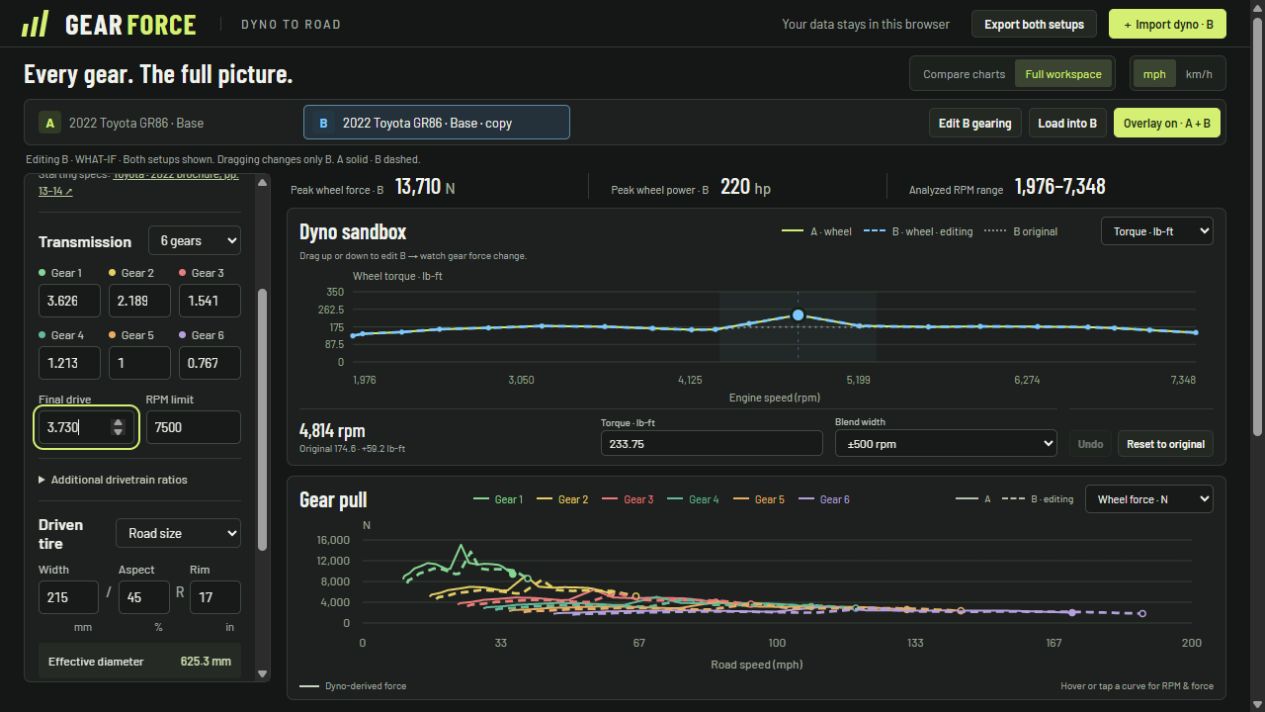
Bring an image or PDF. Follow the clicks to trace your torque curve, choose your gearing, and compare setups with Effective Pull and shift lanes.
Unable to play the tutorial here. You can download the video below.
Download the tutorial · MP4, 6.4 MBImport an image or PDF and trace the run. Work from your measured torque or power curve.
Look up a vehicle or enter up to six gears, final drive, and tire size. Make the setup your own.
Drag the dyno curve and watch wheel force change. Overlay two setups to compare your options.
Put your next setup to the test.